Your everyday.
Your home movie.
A walk. A trip. An ordinary afternoon. Capture the moments you want to keep with a retro camcorder on your phone.
Get ROLL15 on Google PlaySee the camcorderFor Android
Record. Replay. Keep.
Record a Roll
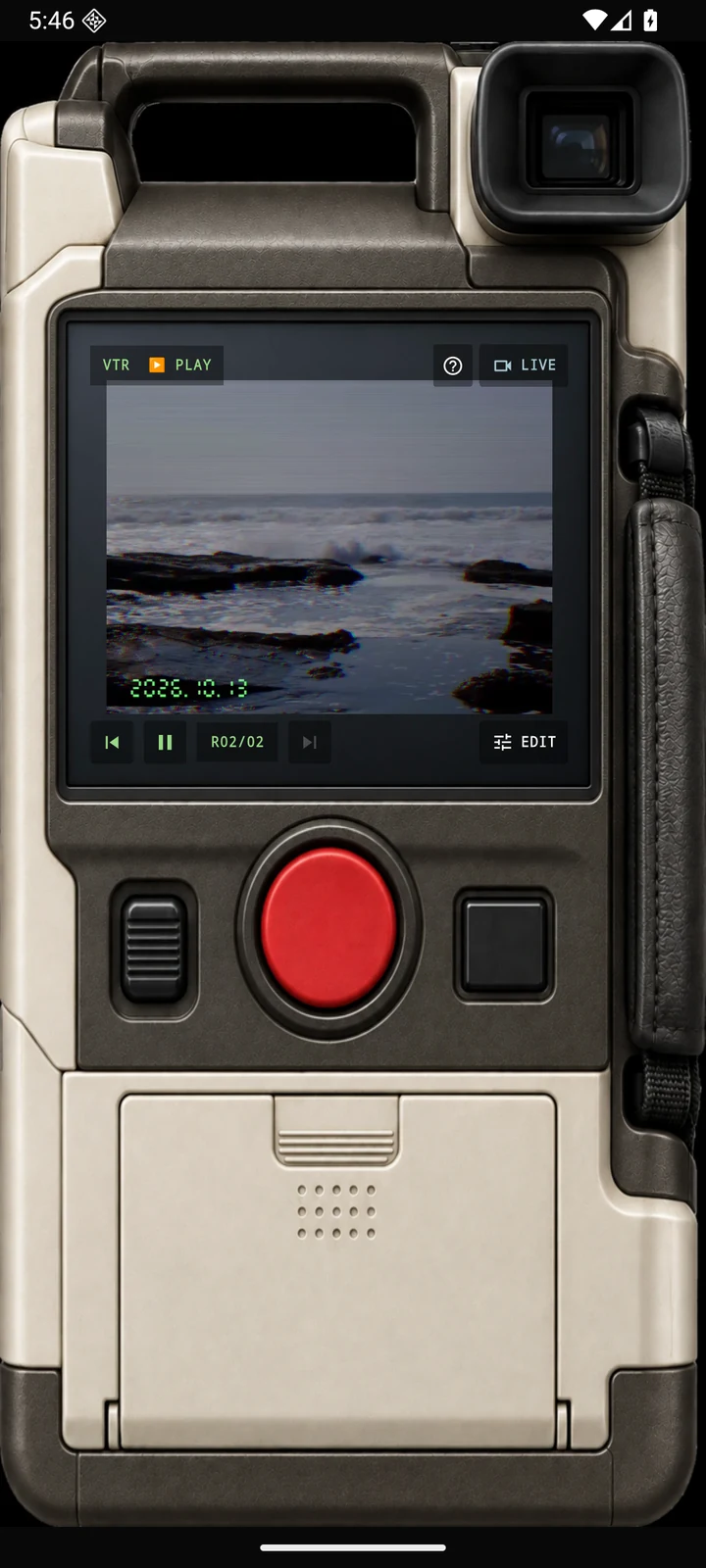
Capture a short moment with your camcorder. Choose SOUND ON or OFF, and adjust the zoom.
Replay on the LCD
Watch your Rolls inside the camcorder. Keep the moments you want and put them in order.
Make a Tape
Join your Rolls into a finished video. Your Tape is saved to Movies/ROLL15 in your phone’s gallery.
The LCD is where it happens.
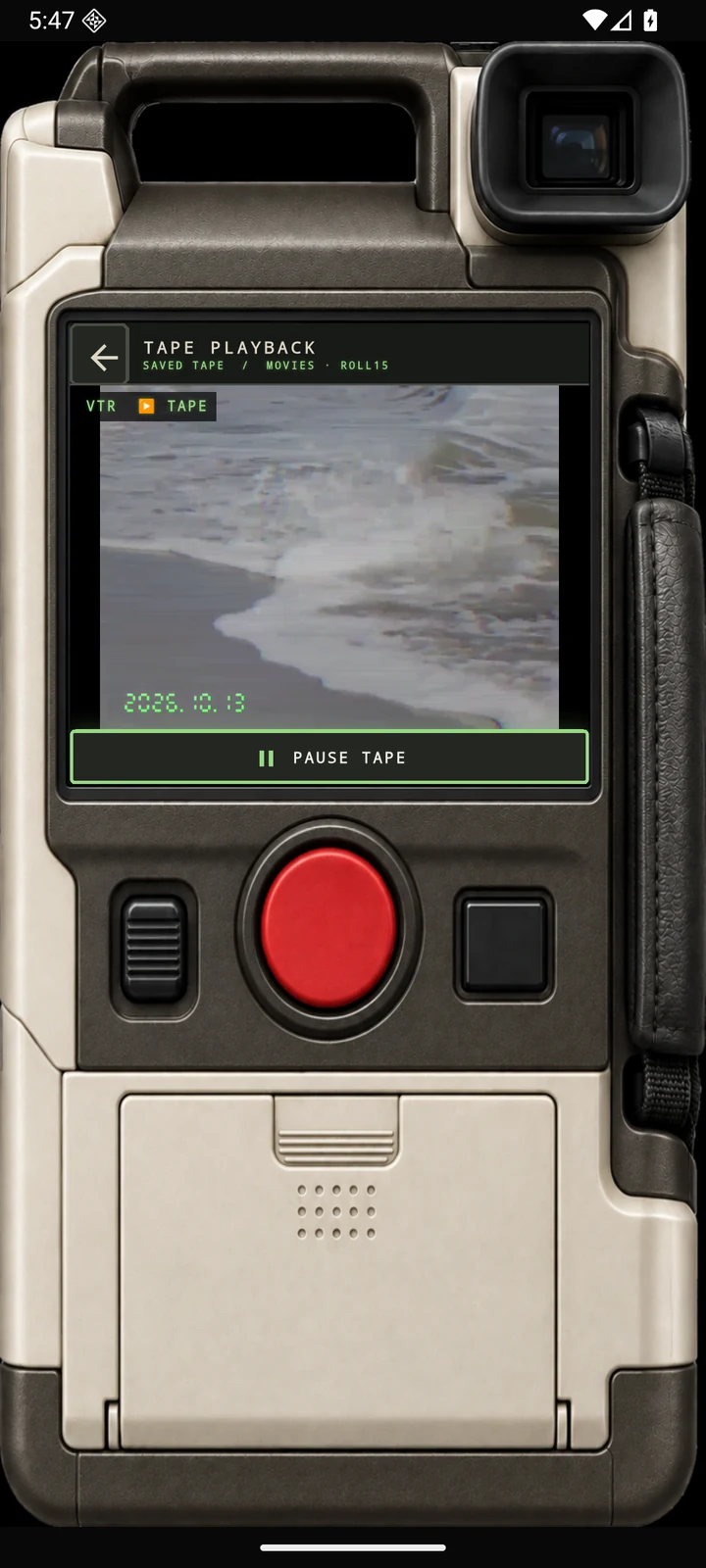
Recording, replay, and your finished Tape come together inside the camcorder screen. A familiar little window for the things worth remembering.
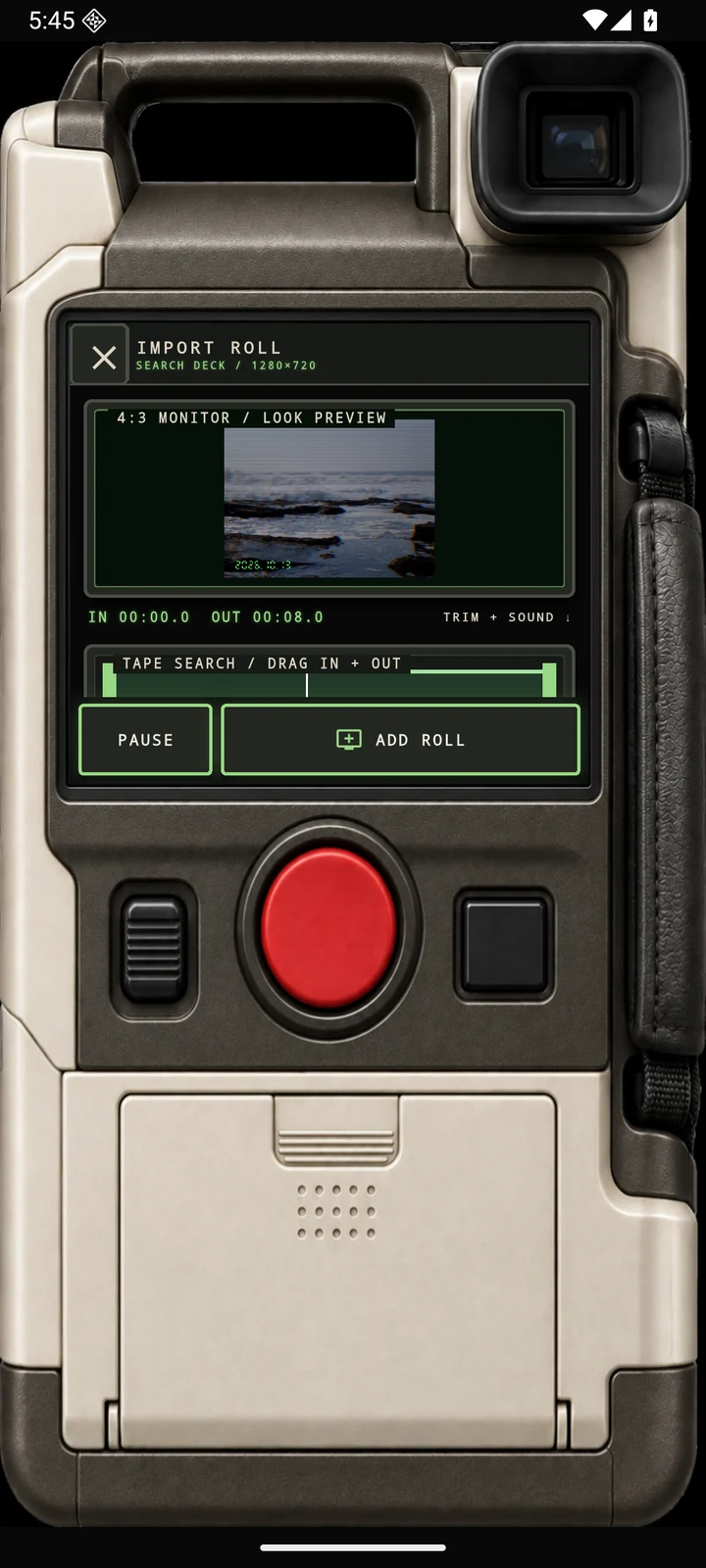
Already filmed it? Bring it along.
Choose a video from your phone, select the section you want, and bring it into your Tape as a Roll. One Tape uses one camcorder look.
Actual finished Tape exported by ROLL15
Two imported Rolls, joined into one Tape. This is the exported video itself.
Before you press record
How long can I record?
Each Roll is between 0.5 and 15 seconds. Join multiple Rolls to make a Tape.
Where does my video go?
Your finished Tape is saved to Movies/ROLL15 and is available in your phone’s gallery. Individual Rolls stay inside the app.
What happens to sound?
SOUND ON records microphone audio for camera Rolls and keeps source audio for imported Rolls. SOUND OFF makes that Roll silent.
Do I need an account?
No account is needed. Recording and editing work on your phone. You choose what to share through Android’s sharing options.